SnoutData Studio now copies a whole project between your computer and SnoutData Cloud, in either direction: the people who sign in to it, its database, its files, and from your computer its functions and their secrets. One screen, checked before anything runs.
A project is not just a database. It is the people who can sign in, the files they uploaded, the functions that answer your app and the secrets those functions need. Moving only the tables leaves you rebuilding the rest by hand, and getting the passwords wrong means asking every user to reset theirs.
So a project copies as a project. Build it locally in Docker, and when it is ready, copy it into a new cloud project. Or take a cloud project down to your laptop to work on it with real data, without touching the one your users are on.
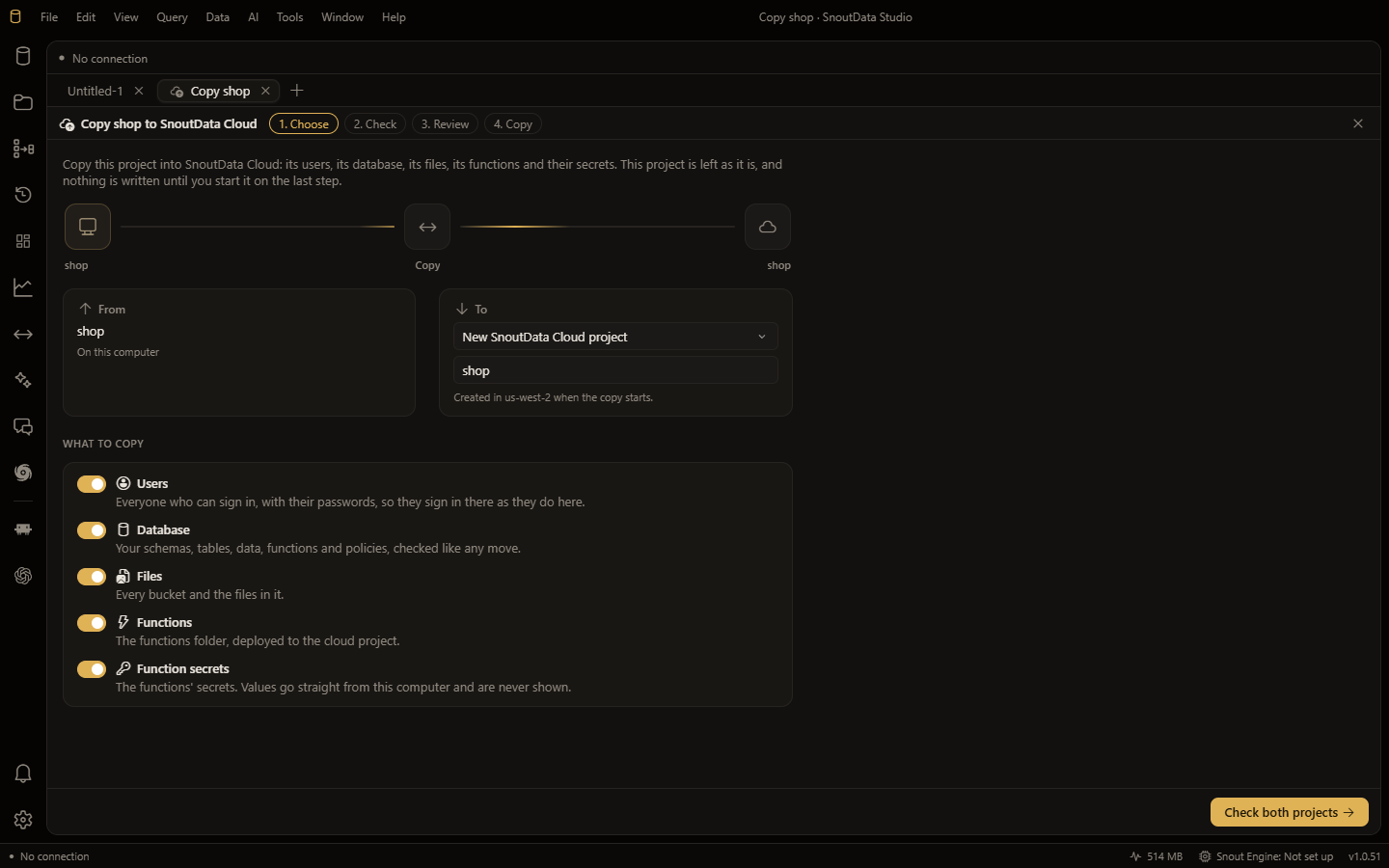
Five parts, in an order that matters
Users come first, with the same ids and their passwords exactly as they are stored, so people sign in on the new project with the passwords they already have. They go before the data because tables usually point at users: a profiles table whose rows refer to a user keeps that link only if the user is already there when the table arrives.
The database is copied by the same move that copies a database on its own, with its checks before and its row counts after. The project's own sign-in and storage schemas are left out of it, because the users and files parts carry what is in them.
Files come next: every bucket with its visibility and limits, and every file in it. Then, from your computer, the functions folder is deployed, and the secrets those functions read are set on the cloud project. Their values go from your computer to SnoutData Cloud without ever being shown on a screen.
What does not come back, and why
Functions and their secrets only go up. SnoutData Cloud never hands a function's source code or a secret's value back to anyone, including you, and a copy is not a reason to start. When you copy a cloud project to your computer, those two switches are off and say so, rather than quietly missing.
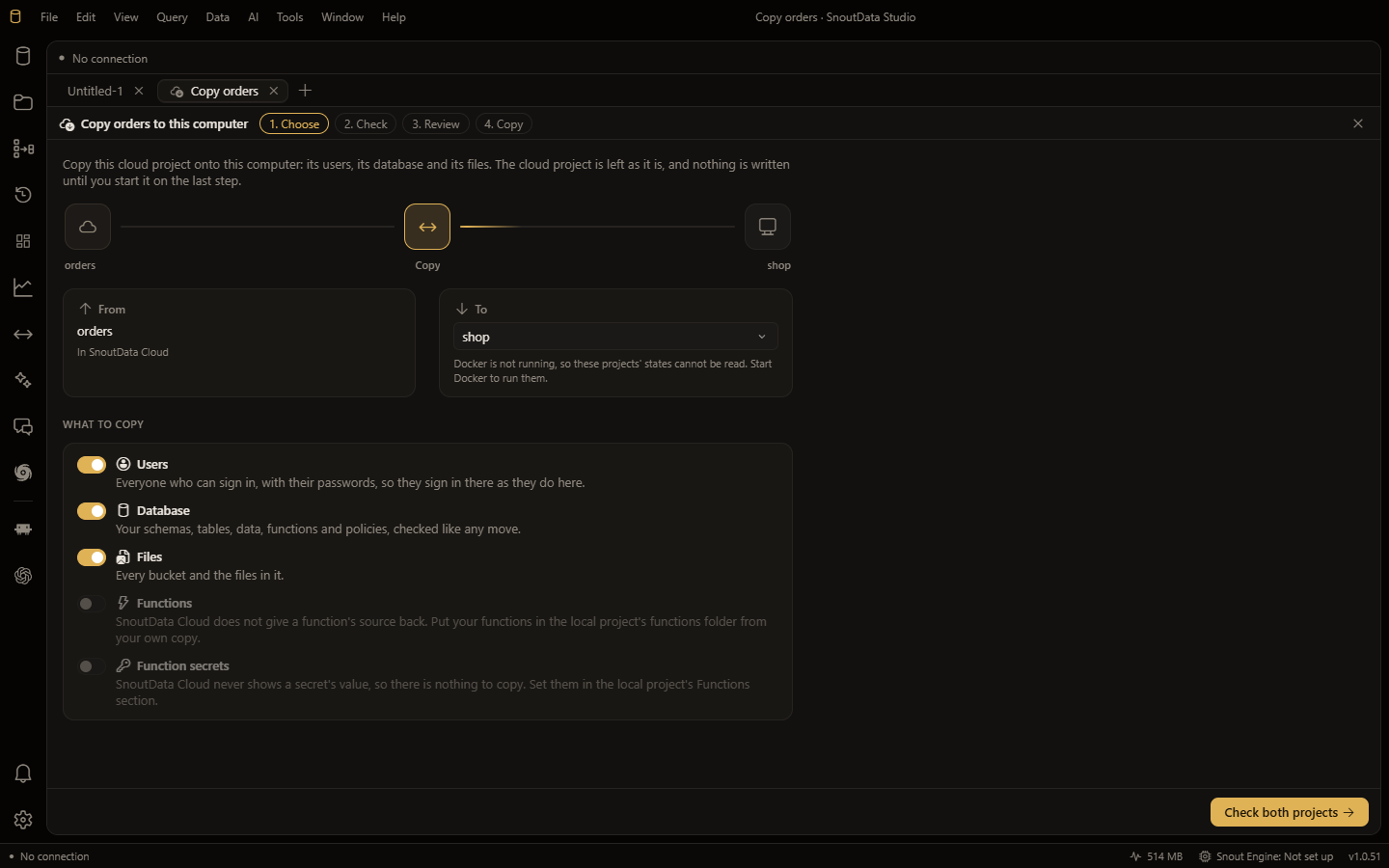
Checked first, and nothing overwritten by default
The check reads both projects and says what each part will do: how many users, buckets, files, functions and secrets, what will be skipped, and the database's own findings, each with the ways to deal with it. A user whose email is already on the target, a bucket or a file already there, is left as it is and counted. The database must be empty unless you choose to replace it, and replacing a cloud database saves a copy of it first.
Functions and secrets with the same name are the exception, and the check names them: when you copy your functions up, you mean the version on your computer to be the one that runs.
A target marked production asks you to type its name. Everything is checked once more when you press start, so a review you read a minute ago is not taken as permission to write to a project that has changed since. Sign-in and storage are switched on for a cloud project when a part needs them.
What it is not
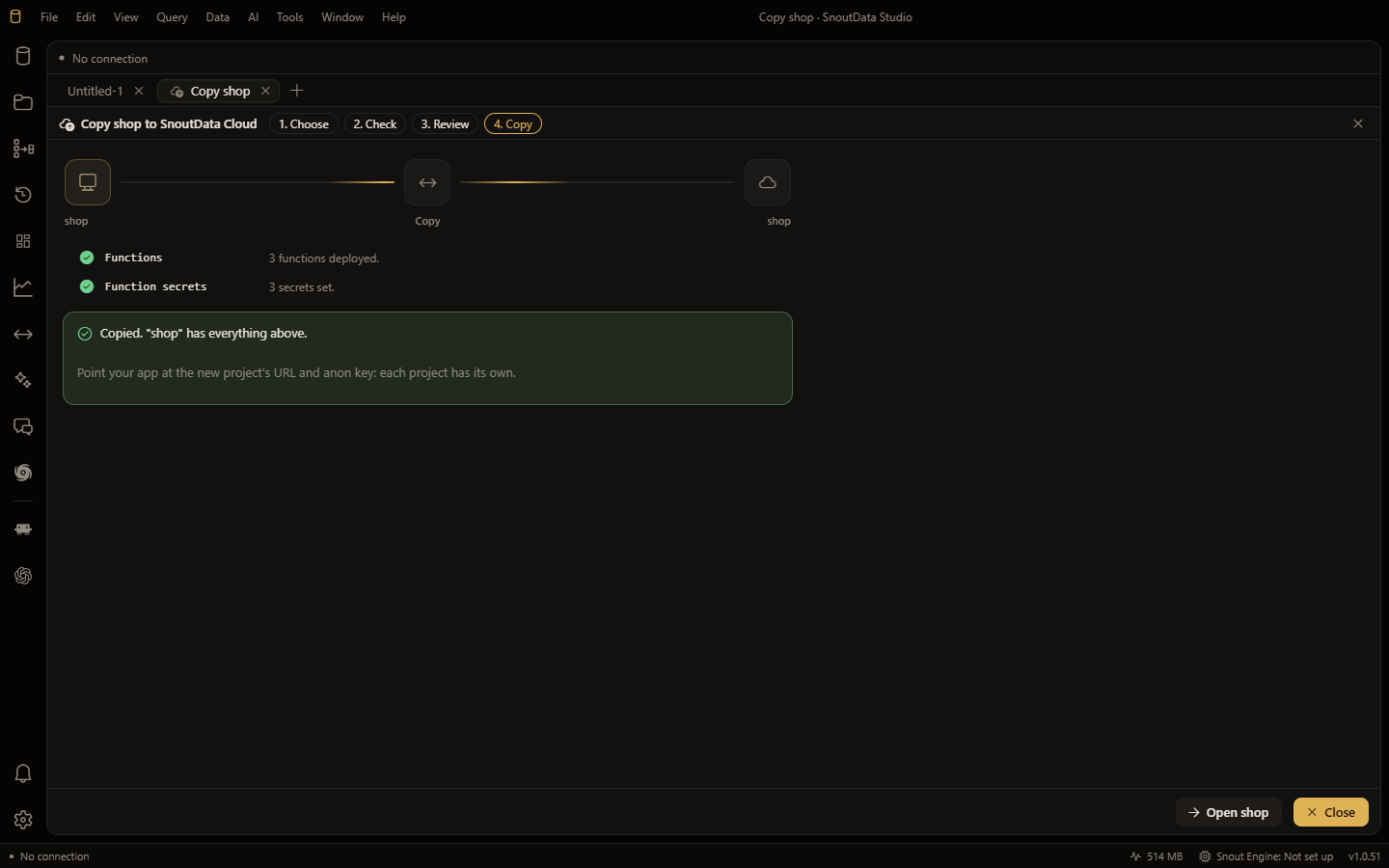
A copy is taken at one moment, not kept in step: anything written to the source after it starts is not on the target. The API keys and the database password are not copied, because each project has its own, so point your app at the new project's address and app key. Sign-in settings (Google and GitHub sign-in, the mail server, redirect addresses, email templates) are set on the new project by you. And people who sign in without an email, or with single sign-on, stay behind.
It is in SnoutData Studio 1.0.52: open the Dashboard panel, and every project has Copy under its name. The docs have the whole of it.